Logging In to immiio
You should receive your credentials from the administrator or onboarding team before accessing the portal.
Option 1: Using your main URL
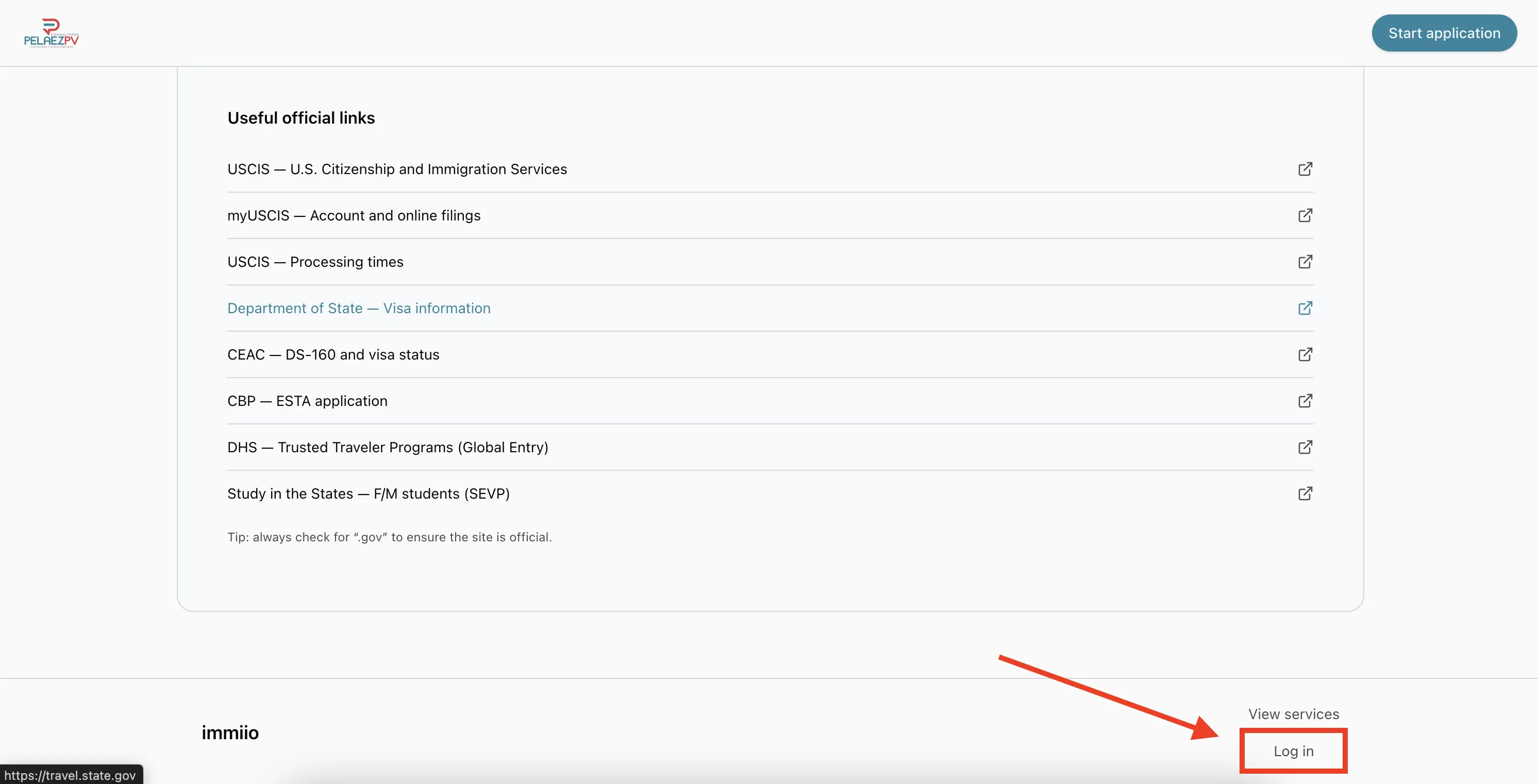
- Visit your organization’s immiio URL (for example:
yourcompany.immiio.com). - Scroll to the bottom of the page.
- Click the Log in button.
- Enter the username and password provided to you.
Option 2: Going directly to the dashboard
- Navigate to
/dashboard(example:yourcompany.immiio.com/dashboard). - If you are not logged in, you will be redirected automatically to the login page.
Staying logged in
Once you log in for the first time, you remain authenticated. Visiting /dashboard afterwards takes you directly into the portal without signing in again.